Bowling alleys
Lane-side ordering, the snack bar,and the bar on one report.
Bowlers scan a code at the lane and order nachos and a pitcher from their phone without leaving the game. The snack bar and the bar each run a terminal with their own menu, and on league night every sale, from the lanes, the counter, and the bar, shows up on one report by terminal the moment it is rung.
Start free, no setup fee Cash, card, Apple Pay, Google Pay Support from people who have worked a stand
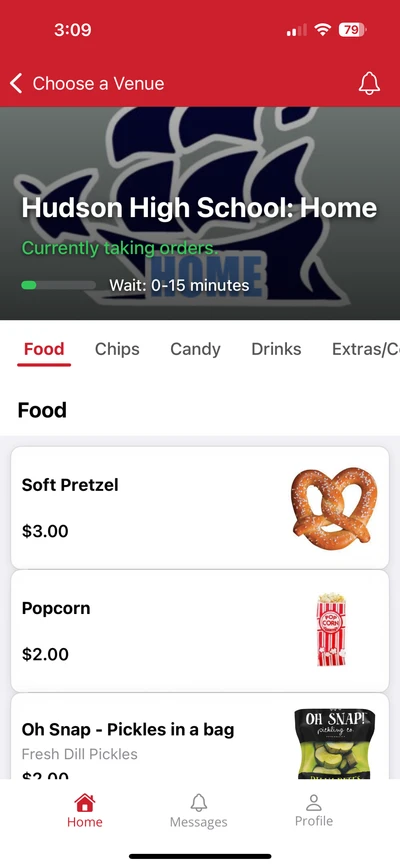
Three ways to order
Every order lands in the same kitchen and the same report.
From the lane
- 1.A bowler scans the QR code at the lane and types the lane number in the note
- 2.Pays with Apple Pay, Google Pay, or a card
- 3.Gets a text. Picks up at the counter.
Nobody leaves mid-frame
At the snack bar
- 1.Staff tap the items on the terminal
- 2.Cash, card, or phone
- 3.The ticket prints in the kitchen
One terminal per counter
At the bar
- 1.The bartender rings the round on the bar terminal
- 2.Cash, card, or phone
- 3.The sale lands on the same report as the lanes
Its own menu, same report
League night
Every order on one kitchen screen the moment it is placed.
On league night the lanes, the snack bar, and the bar are all ordering at once. Every order from every terminal and every phone lands on the kitchen screen the same second, with the note the bowler typed, so the food goes to the right lane.
- One kitchen screen for the lanes, the counter, and the bar
- A pickup screen at the counter shows whose order is up
- The bowler gets a text when it is ready

Two counters, one account
The snack bar and the bar each keep their own menu.
The snack bar terminal sells nachos, pizza, and pop. The bar terminal sells beer and pitchers. Each has its own menu and its own report, and both are on the same account, so the owner sees the whole night by terminal without adding anything up.

Parties and pre-orders
Take the birthday party order before the party arrives.
Pre-orders come with a pickup date and time. A parent orders the pizzas and pitchers for a Saturday party when they book the lanes, and the kitchen sees it on the screen ahead of time. The report shows every sale by terminal, by day, and by item, live to the second.
- Sales by terminal
- Snack bar, bar, lanes (phone)
- Sales by hour
- When league night peaked
- Cash, card, and phone
- Reconciled against the drawer
- Pre-orders
- Parties booked for Saturday
- Items sold
- What to reorder before the weekend
The report. Export it in one click.
At the counter and the bar.
Each terminal comes with a card reader, a cash drawer, and a printer. It arrives set up for your menu.
- Cash, card, Apple Pay, and Google Pay at every terminal
- Your menu on any TV above the counter
- Reports by terminal and by day, live to the second
- Cash sales keep going when the Wi-Fi drops, and sync when it comes back
- Support from people who have worked a stand
See it at an alley near you.
A thirty-minute call to walk through the terminal, the bar terminal, and ordering from the lane.