Mobile ordering
Fans order from their seats.Run it over, or hand it off.
Fans scan a QR code on the banner or the board, order and pay on their phone, and get a text when the order is ready. Run it to their seat or have them pick it up, whichever suits your venue. No app to install.
- <30 sec
- checkout
- 37%
- faster fulfillment
- 22%
- more orders per event
Start free, no setup fee Card, Apple Pay, Google Pay Support from people who have worked a stand
How it works
From the seat to the food, your way.
Scan the code, or skip it
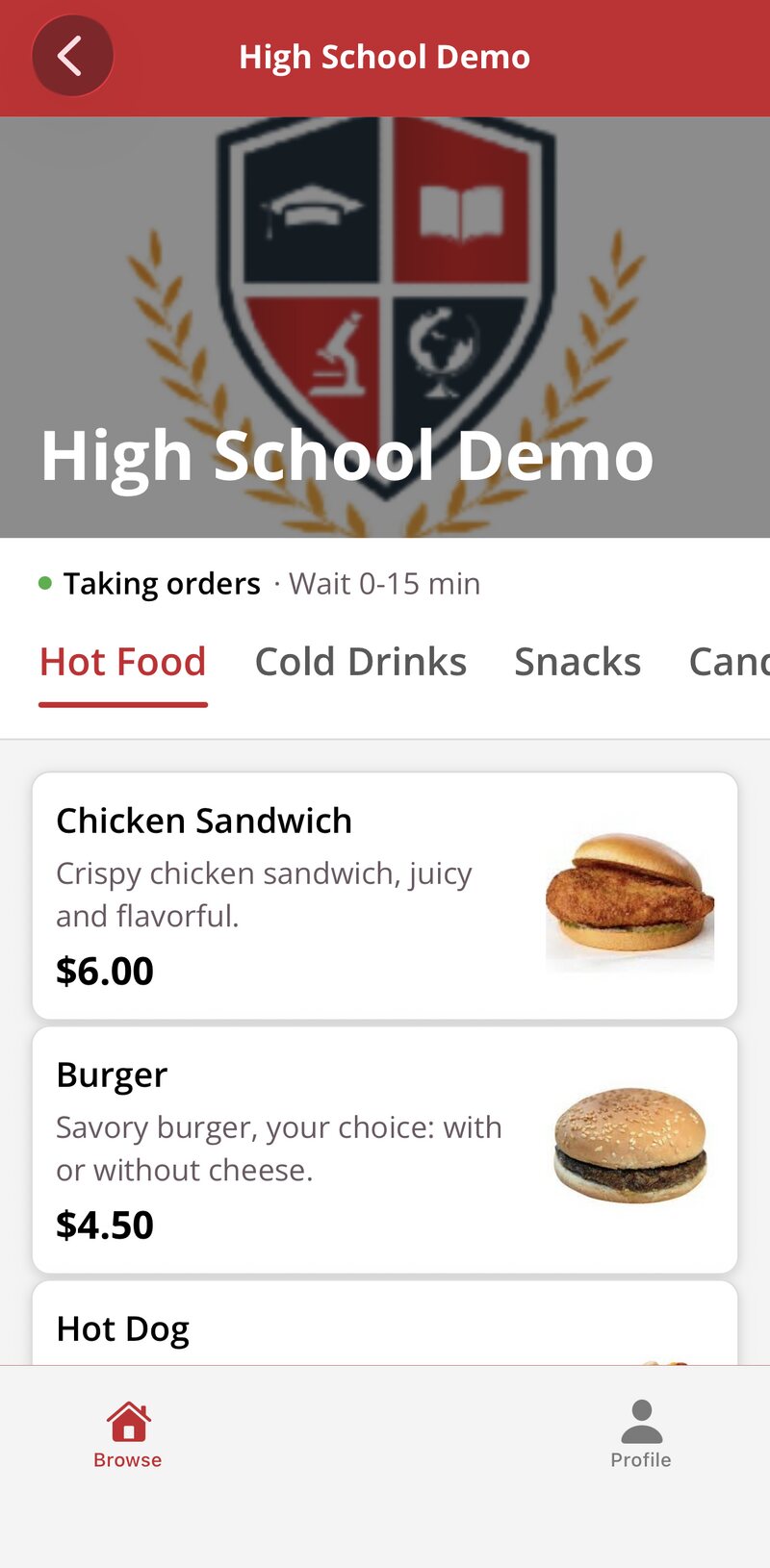
The QR code is on the banner and in the corner of the board, and it opens your menu in the phone’s browser. Fans who skip the code can open the BlazeBite app or go to orders.blazebite.com and pick your venue.
Order and pay on the phone
Fans pick their items, add a note for the kitchen, and pay with a card, Apple Pay, or Google Pay. The order reaches the kitchen screen the moment it is placed.
Choose where it goes
You set the locations fans can choose. Section, row, and seat for delivery, a seat number, or a single pickup spot if you would rather they come to you. When the order is ready, the fan gets a text.
What ordering looks like
Scan to paid, on a fan’s phone.
Pick the venue, see the menu.
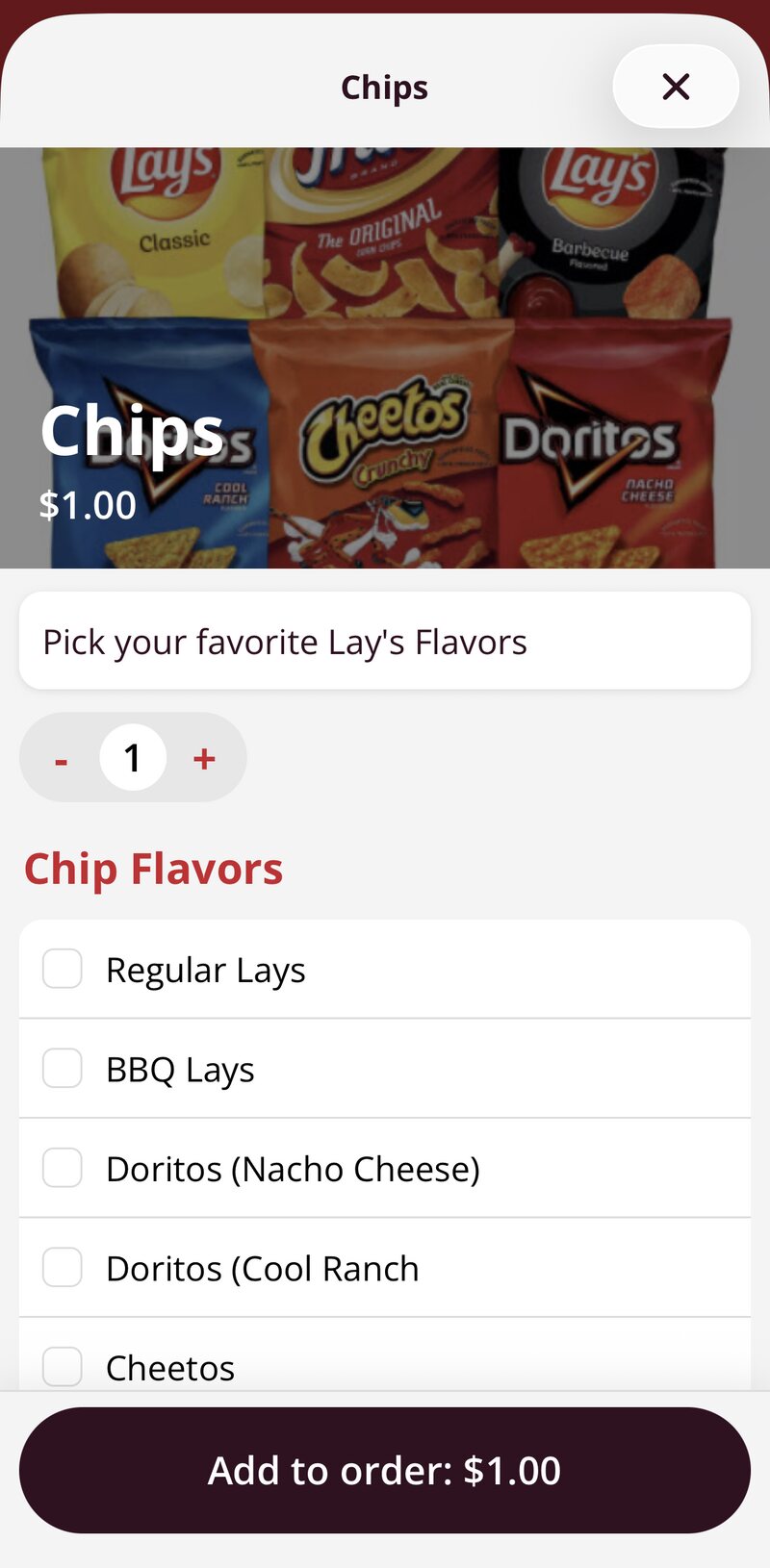
Choose options, add to the order.
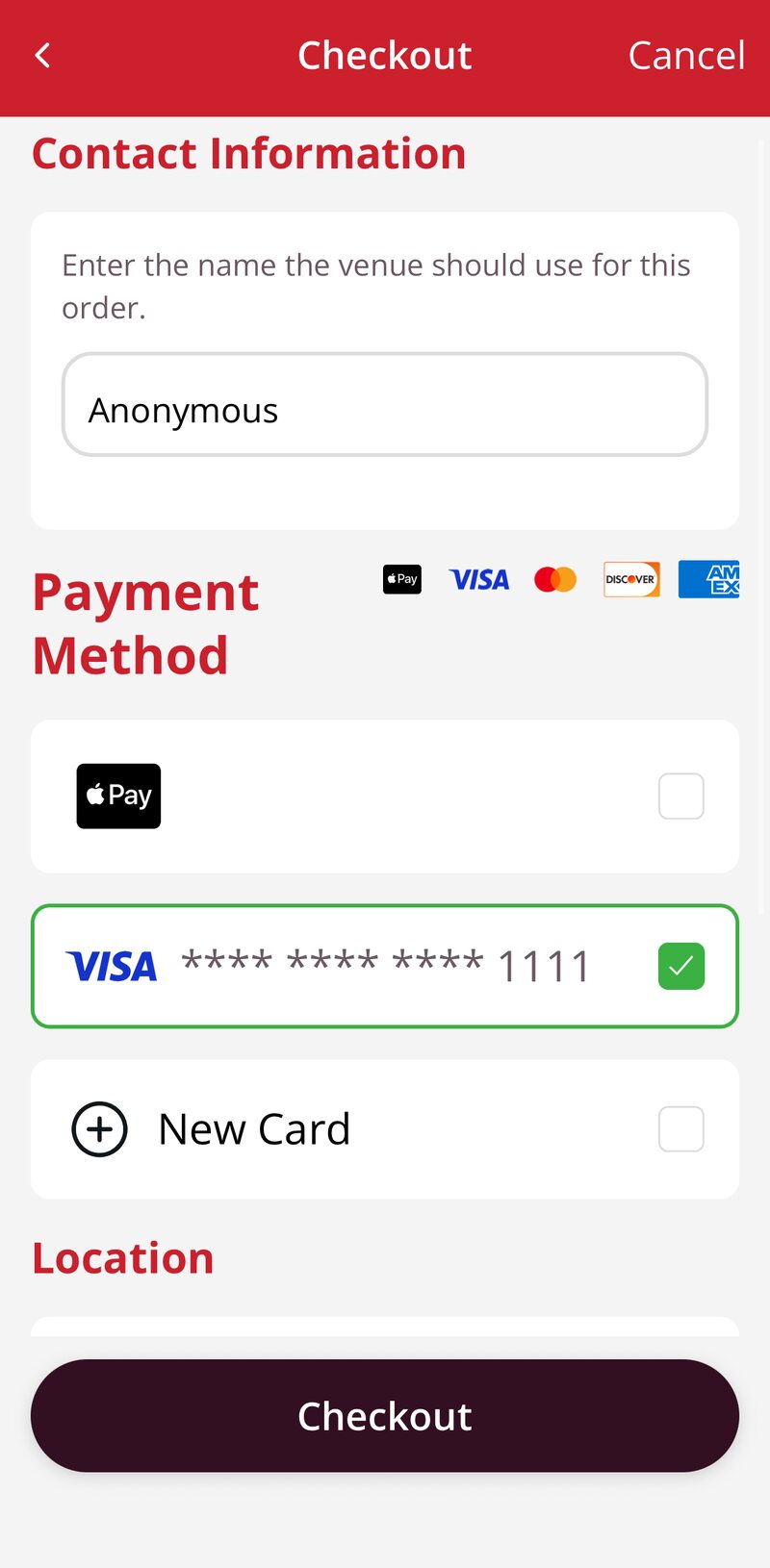
Pay with a card or Apple Pay.
What the stand sees
Phone orders land with everything else.
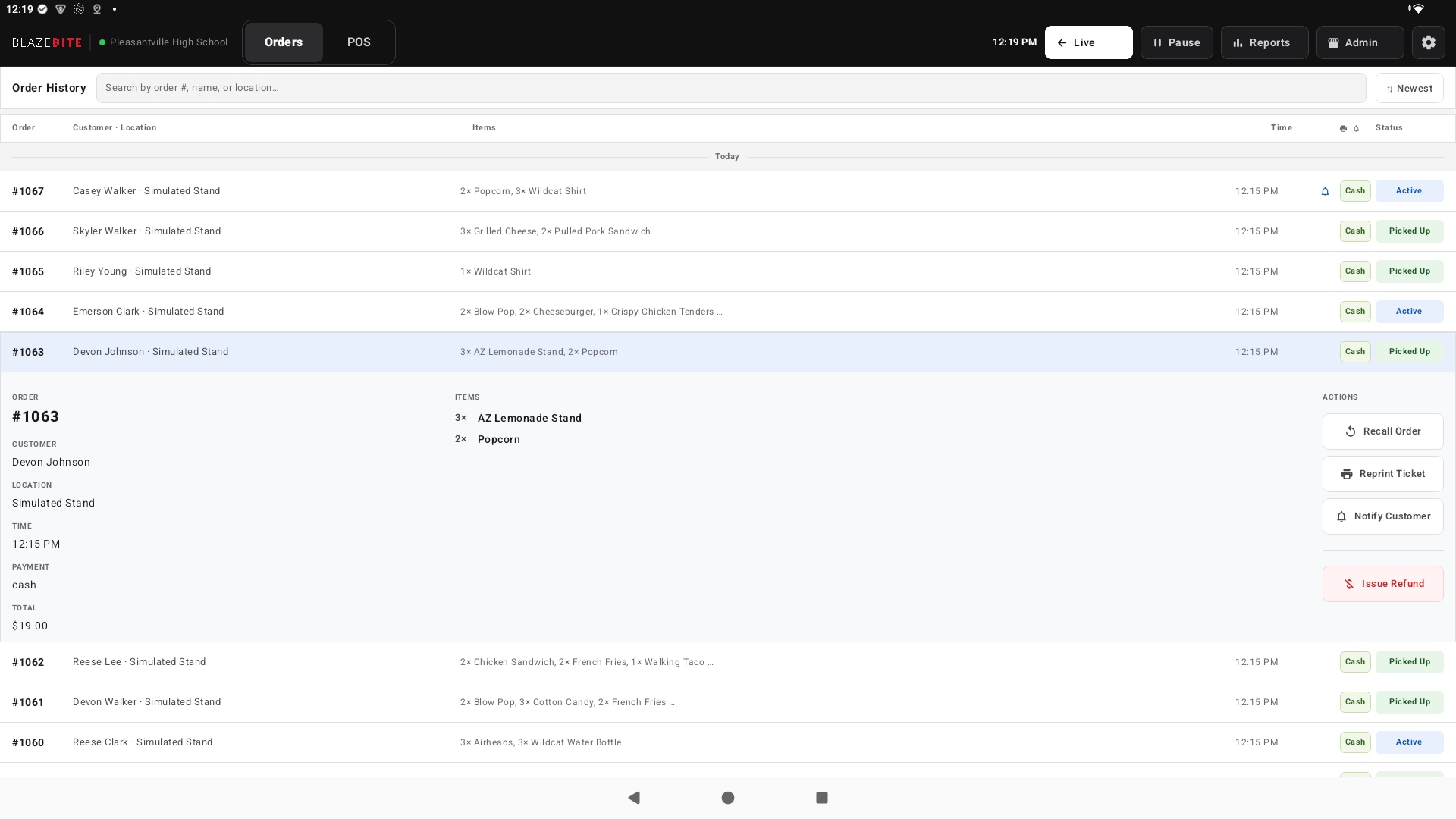
Your package comes with a banner and signs that carry your QR code, so fans know where to scan and where to pick up. In the kitchen, phone orders show on the same screen as the terminal and kiosk orders, and they count in the same report.
- Every phone order shows on the kitchen screen next to the terminal and kiosk orders
- A ticket prints if you use a printer
- Tap ready and the fan gets a text
- Fans see the current wait time before they order
- Pause phone orders when the kitchen is behind
- Phone sales show in the same report as every terminal, live to the second

No app to install
The QR code opens your menu at orders.blazebite.com in the phone’s browser. Fans do not need an account, and it works on any phone, tablet, or computer.
Or the BlazeBite app
Fans who come back every week can keep the app on their phone. It is on the App Store and Google Play, with the same ordering and the same text when the order is ready.
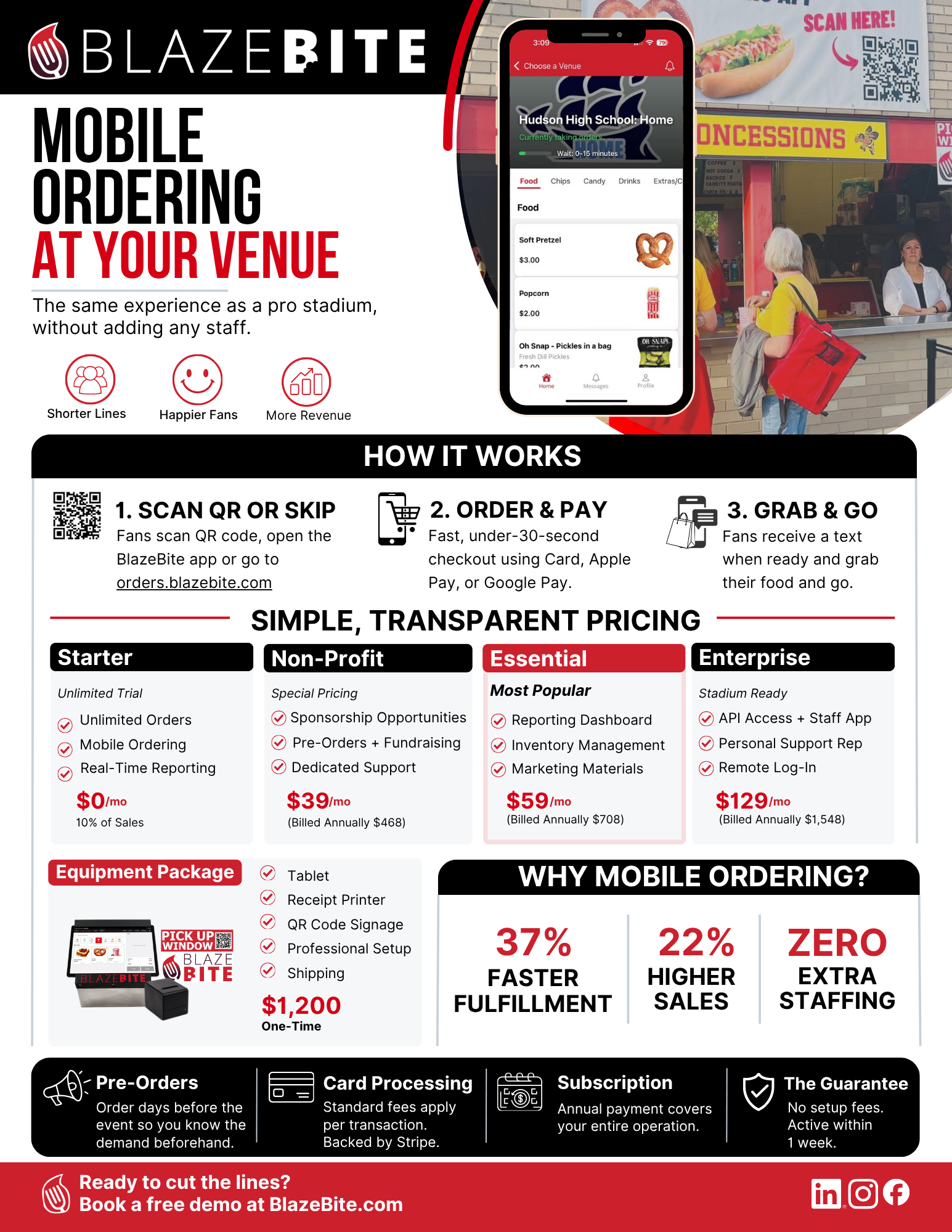
Mobile Ordering Product Sheet
Shorter lines, no added staff. How it works, the plans, and the equipment package with pricing. One page, ready to print or send to whoever signs off.
“We used to see so many people walk away when our stand was cash-only. Now they pay by phone and the line moves. Sales are up, and I know exactly what we took in.”
Grade school administrator
Diocese of Cleveland school, second season on BlazeBite
See mobile ordering on a call.
A thirty-minute call. We scan the code, place an order, and show you where it lands in the kitchen and in the report.