Tips & Tricks
POS for Multi-Vendor Events: Keeping Score of Every Vendor's Sales
BlazeBite Team October 13, 2026 6 min read
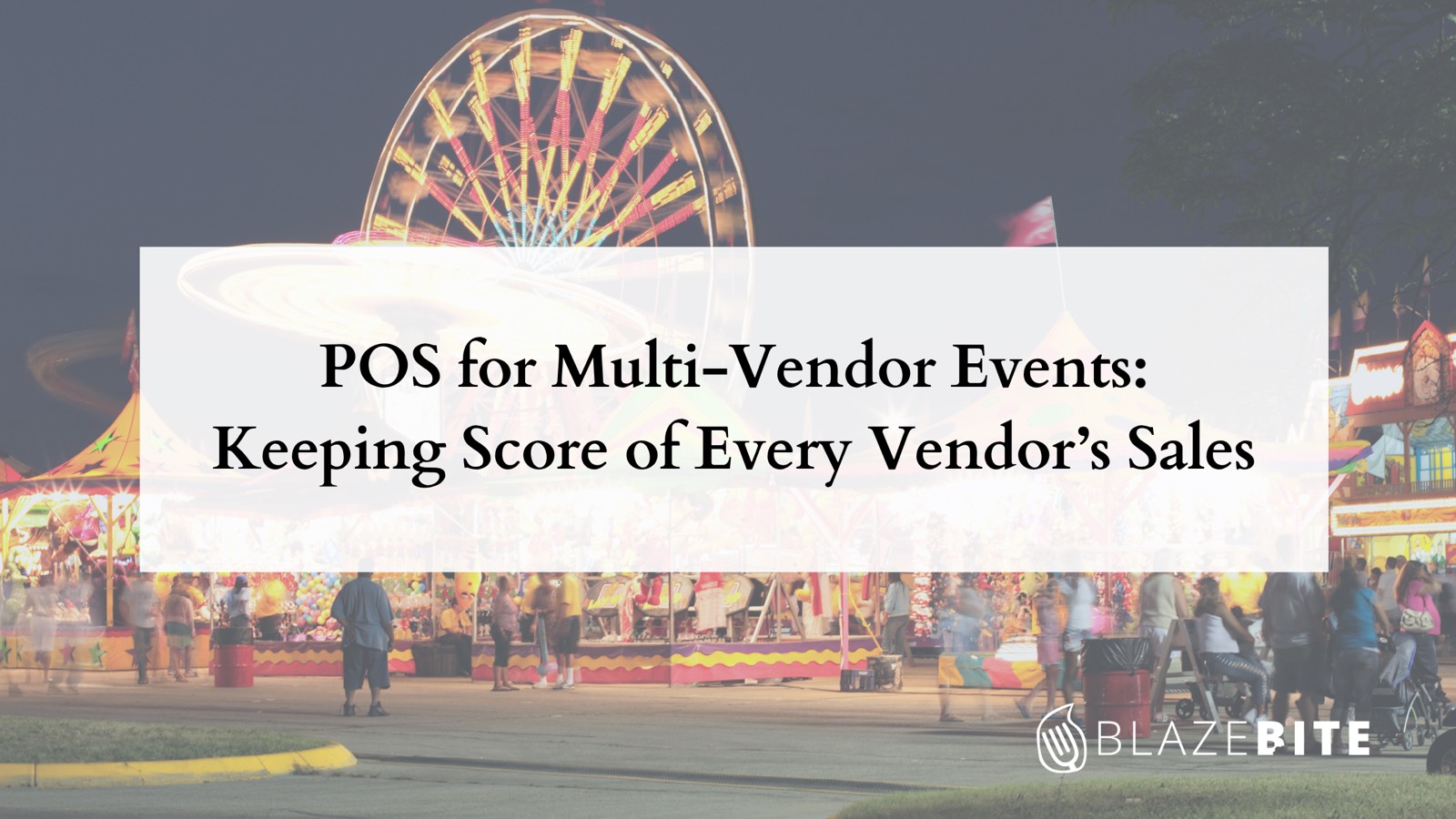
It's the last night of the county fair. Twelve food vendors line the midway. Kettle corn, lemonade, and a smoker that's been going since noon, with a line at every window.
Then the gates close at 10:00 PM, and you still have to answer one question for each vendor. How much did you sell, and what do you owe the fair?
Sound familiar?
Most event POS advice is written for stadiums and headline festivals. We wrote this one for the rest of the calendar: county fairs, food truck nights, minor league games with outside vendors, and school events where boosters and local food vendors share a concourse.

What Is a Multi-Vendor Event POS?
A multi-vendor event POS is a point-of-sale setup where several sellers take orders at one event while the organizer keeps one view of the money.
Each vendor owns its menu and its prices and runs its own register. That register might be a full terminal with a cash drawer or a phone at a pop-up table. The vendors take the orders. You, the organizer, stay out of the order flow.
Your job sits one level up. You watch total sales across every vendor, apply a rent rule to each one, and settle up when the event ends.
A restaurant POS answers one question: how did my business do tonight? A multi-vendor event setup answers a second one for you: how did each vendor do, and what does each one owe the event?
Rent Rules: How You Take Your Cut
A rent rule is how an organizer takes its cut of a vendor's sales. It comes in two shapes:
- Percentage Rent Rule: You take a set share of what the vendor sells.
- Flat Rent Rule: The vendor pays a fixed fee for the spot, whatever it sells.
Some events mix the two, with a flat fee plus a share of sales above a set level.
Each vendor gets its own rent rule. The food truck that sells all night might be on a percentage rule while the kettle corn tent pays a flat fee.
Write the rent rule into the vendor agreement before the event. Spell out whether sales tax, tips, refunds, and discounts count toward it. Leave that vague and you'll be arguing about it at 10:30 PM.
How Most Organizers Track Vendor Sales Today
At small and mid-size events, you'll see one of these three:
- Self-Reported Sales: Each vendor runs its own POS and hands you a total at the end of the night. You apply the rent rule to whatever number you're given.
- Tickets or Tokens: Fans buy tickets at a central booth and spend them at the stands. Vendors cash them in with you afterward. You get a count, plus a second line for fans and a pile of paper.
- One Shared Account: You run every vendor on a single merchant account and pay each one afterward. On paper, every sale belongs to your organization, which raises sales tax and payout questions for your accountant.
Each one works. Each one also leaves you trusting a number you can't see. Or holding money that belongs to someone else.
What to Look For in a Multi-Vendor Event POS
Take this list to every demo and ask to see each item live.
- Vendor-Owned Menus and Prices: Each vendor sets its own items and prices without calling you.
- One View of Total Sales: You see sales across every vendor while the event runs, broken out by vendor. No waiting on paper reports.
- A Rent Rule Per Vendor: The system holds a percentage or flat rent rule for each vendor and shows what each one owes.
- A Settle-Up Report: When the gates close, you get one report per vendor with gross sales, the rent rule, and the amount due.
- Cash and Card at Every Register: Plenty of fair crowds still pay with cash. Plenty only carry a card or a phone. Take both.
- A Plan for Weak Signal: Fairgrounds and ballfields are rough on Wi-Fi. Ask what keeps working when the signal drops and what syncs when it comes back. (We wrote about keeping the line moving on spotty Wi-Fi.)
- Hardware That Fits Small Vendors: The food truck with a full terminal and the craft table with a phone should both work at the same event.
- Vendor Privacy: Each vendor sees its own numbers and nobody else's.
- Item Sales During the Event: If you can see what's selling at each stand while the event runs, you can move stock and volunteers before somebody runs out of hot dogs.
- Fast Vendor Setup: A vendor who signs on the week of the event should be ready to sell by opening.
How to Settle Up When the Gates Close
Vendors remember how settle-up went when you invite them back next year, so agree on these steps before opening day.
- Close Out Each Register: Each vendor ends its sales and counts its cash drawer against the system.
- Pull Gross Sales by Vendor: Work from one report for the whole event so you and your vendors read the same numbers.
- Apply Each Rent Rule: For a percentage rule, multiply gross sales by the agreed share. For a flat rule, charge the agreed fee.
- Separate Cash From Card: Card money and cash money move through different hands. Note which is which before anybody writes a check.
- Sign Off: Hand each vendor a one-page summary with gross sales, the rent rule, and the amount owed or due. Both sides initial it.
Food Truck Nights Play by Their Own Rules
Every truck rolls in with its own POS and its own way of reporting. That's why plenty of weekly series charge a flat rent rule per truck: a flat fee needs no sales numbers at all.
A percentage rent rule needs numbers you can trust. You get them one of two ways. Either every truck sells on a shared system that breaks out sales by truck, or the vendor agreement requires each truck to hand over a closing report from its own POS. Pick one before you sign the first truck. (Running a truck yourself? Here's how BlazeBite works for food trucks.)

Common Questions
What is a rent rule at an event?
A rent rule is the organizer's cut of a vendor's sales. It's either a set share of what the vendor sells or a flat fee for the spot, and each vendor can have its own. Put it in the vendor agreement before the event, including whether sales tax, tips, and refunds count toward it.
Can each vendor keep its own menu and prices at a multi-vendor event?
Yes. Each vendor owns its menu, its prices, and its register. The organizer leaves vendor menus alone, watches total sales across the vendors, and applies each vendor's rent rule at settle-up.
How does an organizer see vendor sales during an event?
Either each vendor shares access to its sales reports, or every vendor sells on one system that breaks out sales by vendor. A live view lets you spot a stand that's running low while there's still time to help.
What's the best POS setup for a food truck event?
Each truck needs a register that's fast, takes cash and card, and copes with a weak signal. Your needs as the organizer depend on the rent rule. A flat rent rule works with whatever POS each truck brings. A percentage rent rule needs sales numbers by truck that you can trust.
Where BlazeBite Fits Today
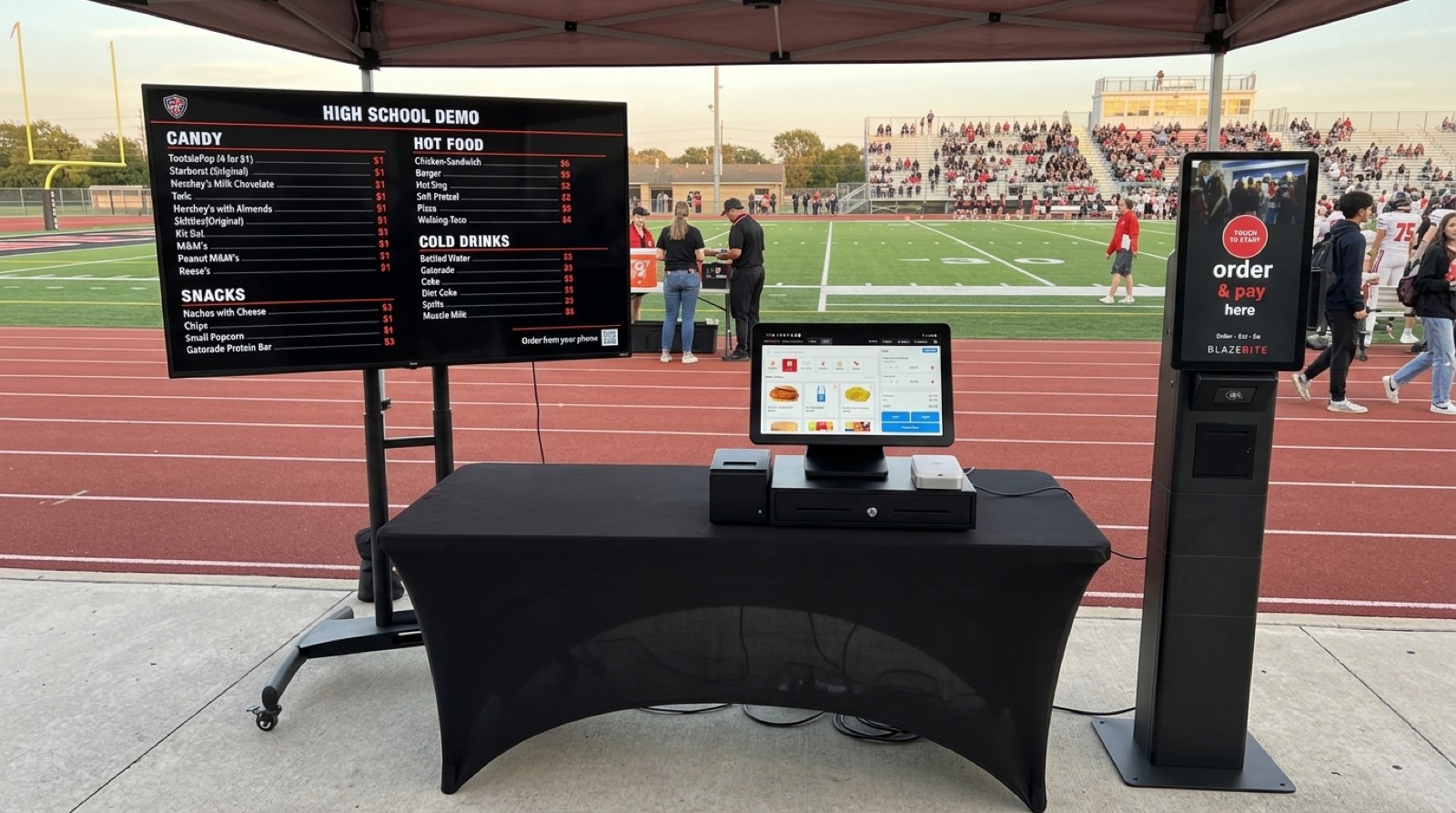
We built BlazeBite for schools, athletics, and event venues, and it already runs several stands at one event on one system. At a high school on a Friday night, that's the outdoor stand, the indoor gym stand, the performing arts boosters' table, and the home and visitor sides, all with one view of sales in the BlazeBite Business Portal. Each stand keeps its own menu and its own report. Every terminal takes cash and card.
Around the register, you get self-service kiosks, mobile POS on a phone for a pop-up table, digital menu boards with room for sponsor ads, order status boards, pre-orders, inventory, and fundraising. Sell out of pretzels? Flip them off from the kitchen screen and they drop off the menu boards. Yes, we still do mobile ordering too.
Running a fair, a festival, a food truck night, or a school event with outside vendors? Walk us through how your vendors and rent rules work today. We'll show you how BlazeBite runs a multi-stand event right now.
Ready to Keep Score of Every Stand?
Book a free demo to see BlazeBite live in action.
- Multi-Vendor Events
- Rent Rules
- Food Trucks
- Point of Sale
- Event Planning
See it on a call.
A thirty-minute call. We ring a sale, print a ticket, and pull the report so you can see how it works.