Industry Trends
Multi-Vendor Venue POS: Why a Restaurant Register Struggles on Game Night
BlazeBite Team October 13, 2026 6 min read
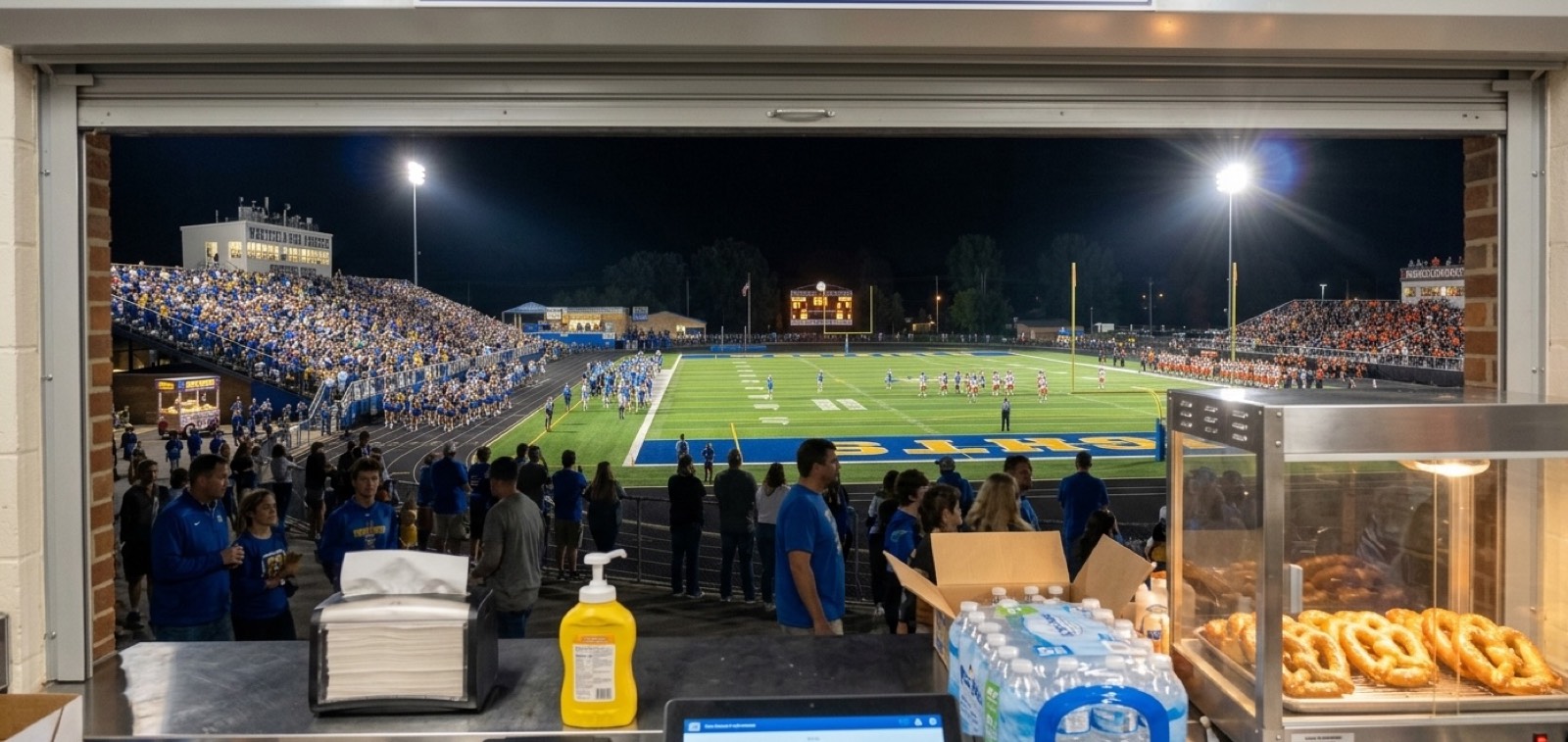
It's halftime on a Friday night. The home stand has a line ten deep. The visitor stand sold its last pretzel five minutes ago. The band boosters' table by the gate is out of ones.
Four windows, four groups of volunteers, and one athletic director who wants to know how the night went.
Restaurant POS systems like Toast and Square are built for one business with one kitchen, and they do that job well. Your venue has four kitchens on a good night. That's where a multi-vendor venue POS comes in.
What Is a Multi-Vendor Venue POS?
A multi-vendor venue POS is a point-of-sale system organized around the venue instead of a single merchant.
The venue sits at the top. Under it are the stands or vendors, each with its own menu, prices, registers, and sales report. The venue sees total sales across every stand during the event. Each stand gets a simple register built for fast lines.
A high school stadium with a home stand, a visitor stand, and a booster table is a multi-vendor venue. So is a minor league ballpark with several concession windows, or a county fair with food vendors along the midway.
A restaurant POS reports on one business. A venue POS reports on the venue and on each stand inside it, so the people running the event can manage money, lines, and stock across the whole site at once.
A Venue Runs on a Different Clock
A restaurant has one kitchen, one menu, and steady service all day. Your venue on game night looks a lot different:
- Many Stands, One Event: Stands open together, close together, and feed the same set of books.
- Short, Sharp Rushes: Halftime, the seventh-inning stretch, and the break between sets send everybody to the windows at once.
- Rotating Volunteers: Parents and seasonal workers might run a register once a month.
- Different Owners at Different Stands: A booster club, an outside food truck, and your own stand can sell side by side.
- The Great Outdoors: Glare on the screen, rain, and a weak signal at the far end of the field.
Why Restaurant Systems Struggle With Multiple Vendors
Toast and Square organize their accounts around one business. That business can have several locations, but every location belongs to the same owner and reports into the same books. It's a great fit for a restaurant group.
Your venue needs one more layer: an organizer that sits above several sellers. Without it, you're stuck picking one of two workarounds.
- Everyone on Your Account: Every stand sells on the venue's own account, tracked by menu category or employee login. You see everything, but every sale counts as yours, and you pay each seller afterward.
- Everyone on Their Own Account: Money goes straight to each vendor. You ask each one for a sales report, or for limited access to its sales, before you can collect what you're owed.
Both work. Both leave somebody on your team rebuilding the night from a stack of reports and a spreadsheet after everybody else has gone home.
What a Venue-First System Does Differently
A venue-first system starts with the venue and works down to each stand. That changes three jobs:
- Financial Control for the Venue: You see sales for every stand in one view while the event runs: what sold, at which stand, and how it was paid. At the end of the night everyone works from one set of numbers. At a school, the athletic director and the booster treasurer read the same report.
- Simpler Processing and Line Control at Each Stand: Each stand gets a register built to take orders fast. Volunteers tap the items, take cash or card, and move to the next fan. When a line builds, you add capacity with the same volunteers: a self-service kiosk next to the window, a phone that works as a register at a pop-up table, or pre-orders so fans pay ahead and pick up. Order status boards show "Preparing" and "Ready for Pickup," so nobody crowds the window guessing.
- Inventory Reaction During the Event: A restaurant reorders for tomorrow. A venue reacts tonight. When you can see item sales at each stand as they happen, you can move hot dogs from the visitor side to the home side before the home stand runs out. Sold out of pretzels? Flip them off and they drop off the menu boards. (More on that in tracking inventory and eliminating waste.)
How Schools Already Run Several Stands on One System
High schools are multi-stand venues, even if nobody calls them that. A Friday football game can have a home-side stand, a visitor-side stand, an indoor stand by the gym, and a performing arts boosters' table. Different volunteers run each one, and the money matters to different groups.
BlazeBite runs that setup today at high schools. Each stand has its own menu and its own report, all on one system, and the school sees every stand in one view in the BlazeBite Business Portal. Every terminal takes cash and card. The same school account covers the spring musical, basketball season, and the band's fundraiser.
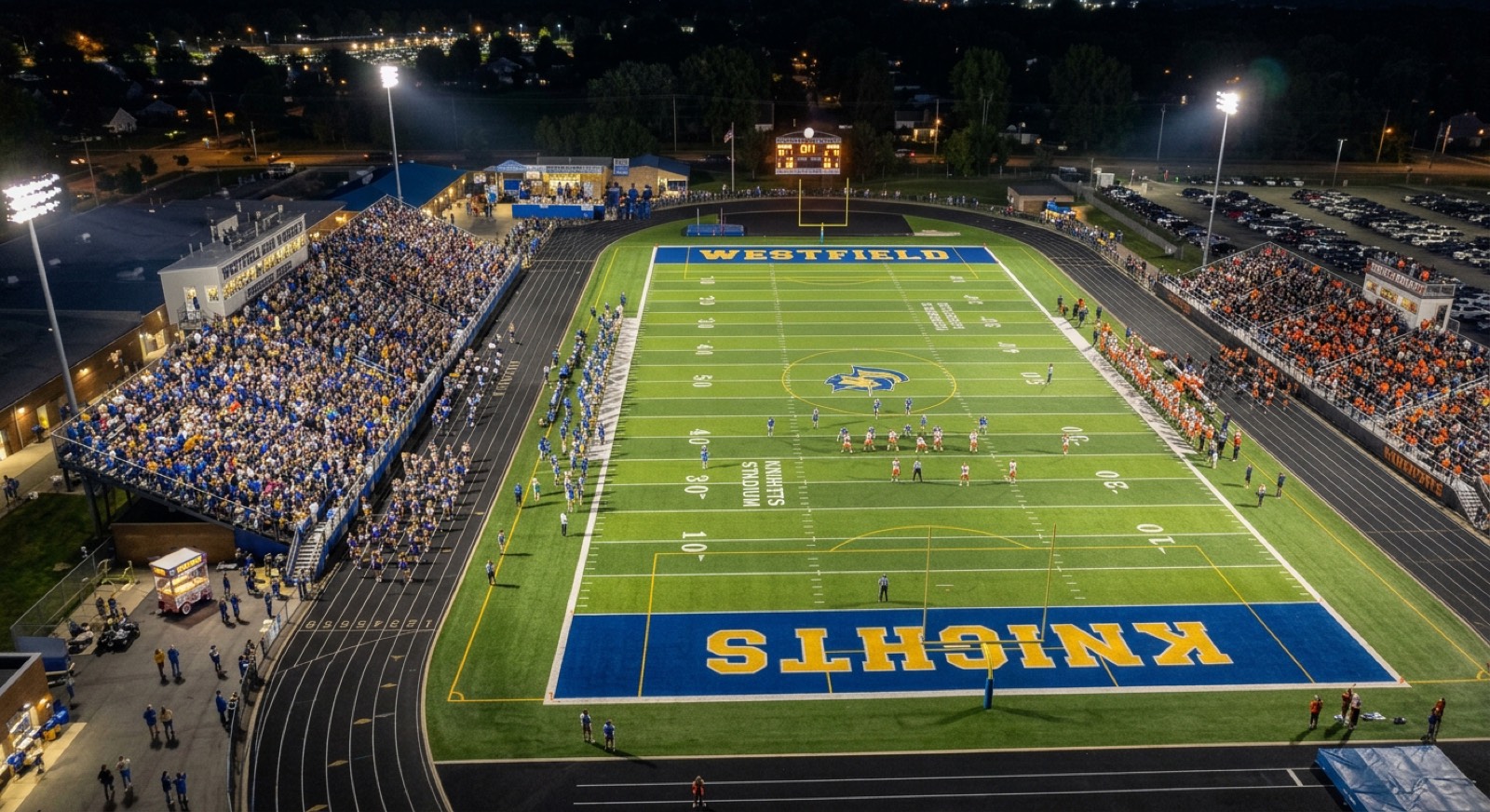
Schools are a tough test for any venue POS: first-time volunteers, spotty signal, and a crowd that shows up all at once at halftime. Fairs, festivals, food truck nights, and minor league games share that structure with one difference. Their vendors are often independent businesses with their own money and their own rent rules. If that's your event, we'd love to hear how your vendors work today.
Questions to Ask Before You Pick a Venue POS
- Can each stand keep its own menu, prices, and report?
- Can you see total sales across all stands while the event runs?
- Do the registers take both cash and card?
- What keeps working when the Wi-Fi or cell signal drops?
- Can a first-time volunteer learn the register in a few minutes?
- Can you add a kiosk, a phone register, or pre-orders when one stand gets slammed?
- Can you see item sales by stand during the event?
- If outside vendors sell at your event, how does the system handle each vendor's rent rule and the settle-up at the end of the night?
Common Questions
What's the difference between a venue POS and a restaurant POS?
A restaurant POS is organized around one business and reports on that business. A venue POS is organized around the venue, with each stand or vendor underneath it. The venue sees total sales across every stand while each stand keeps its own menu and report.
Can Toast or Square work for a multi-vendor event?
They can, with workarounds. Either every stand sells on the venue's account and the venue pays sellers afterward, or each vendor keeps its own account and sends the venue a sales report. Both work for small events. Both add reconciliation work after the event ends.
How do you run several concession stands at one event?
Give each stand its own menu, register, and report, and keep them all on one system so you see combined sales as the event runs. Put a lead volunteer on each stand, and decide before the gates open how you'll move stock and people when one stand gets slammed.
What should a high school look for in a concession stand POS?
A register a first-time volunteer can learn in minutes, cash and card at every terminal, a separate menu and report for each stand, and one view of sales across all of them. Your booster treasurer will want a report they can read and export without help.
Does a venue POS need to be card-only?
No. Plenty of fans at school games, fairs, and minor league parks still pay with cash. BlazeBite takes cash and card at every terminal, so a stand can take whatever the fan has.
Ready to See Every Stand in One View?
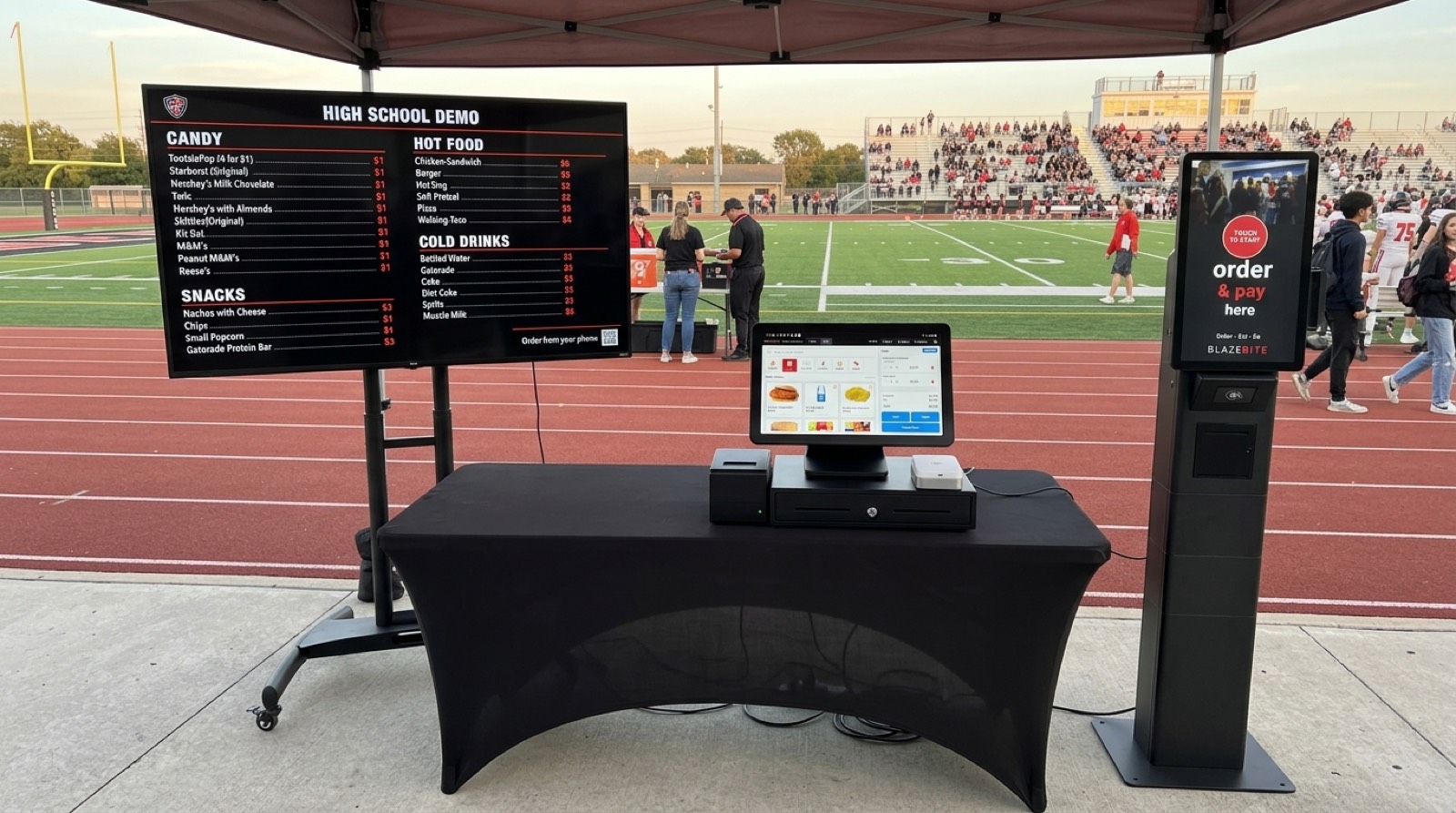
BlazeBite covers POS, self-service kiosks, mobile POS on a phone, digital menu boards with room for sponsor ads, order status boards, pre-orders, inventory, and fundraising, with card payments backed by Stripe. Yes, we still do mobile ordering too.
On a demo, we'll ring a sale at two stands and pull up the report so you can see both in one view.
Book a free demo to see BlazeBite live in action.
- Point of Sale
- Multi-Vendor Venues
- High Schools
- Booster Clubs
- Concessions
See it on a call.
A thirty-minute call. We ring a sale, print a ticket, and pull the report so you can see how it works.