Product Features
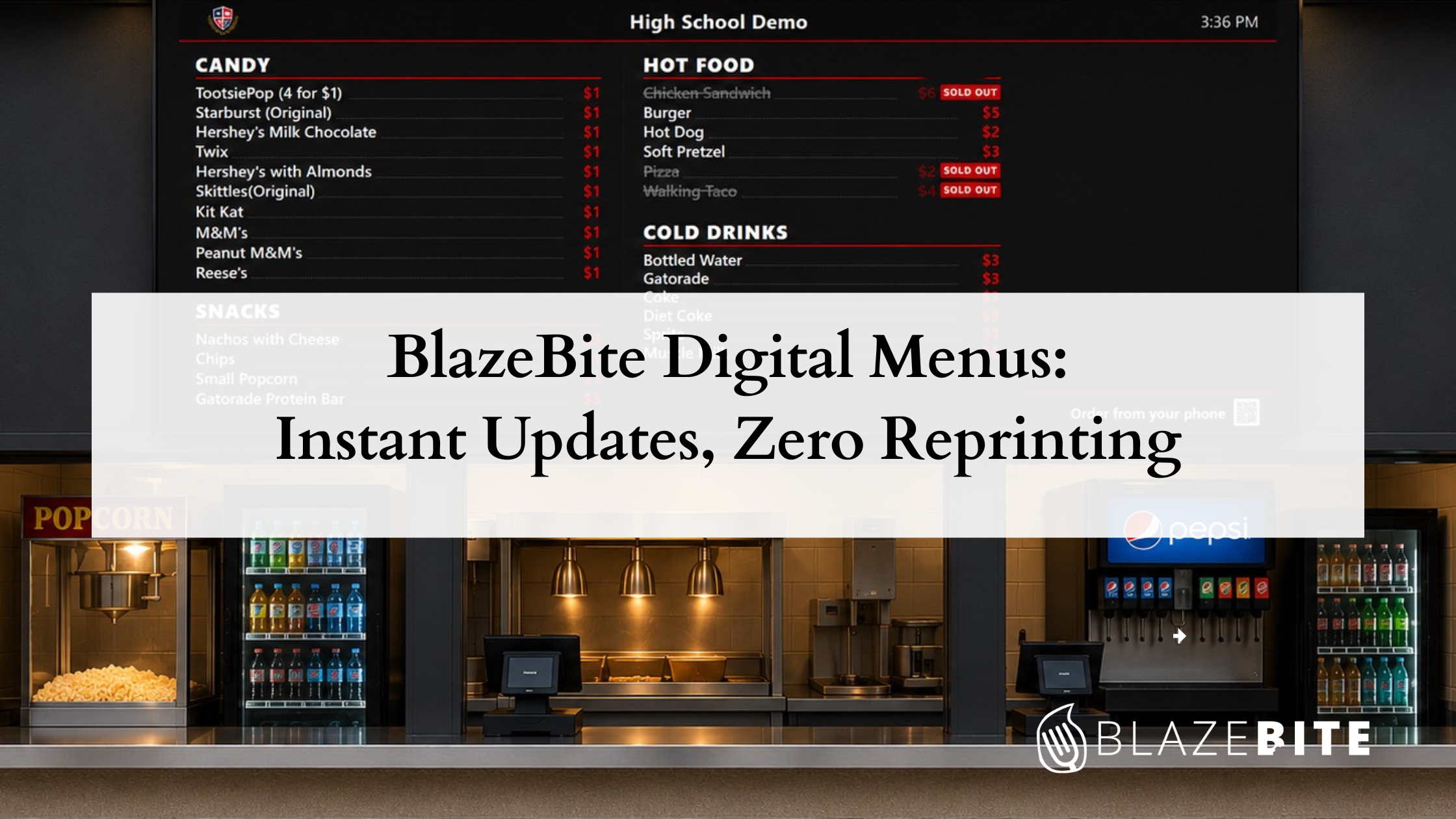
BlazeBite Digital Menus: Instant Updates, Zero Reprinting
Kelly August 13, 2026 3 min read
Are you still relying on handwritten signs or reprinting paper menus every time a price changes or an item sells out? Static boards are a pain to update. Digital solutions built in PowerPoint or Canva aren't much better because they're still manual, still disconnected, and still one more thing someone has to remember to fix before doors open.
BlazeBite Digital Menus sync instantly with your point-of-sale system. What's on your register is what's on your boards. Always.
What It Is
The BlazeBite Digital Menu system connects display screens directly to your entire BlazeBite platform.
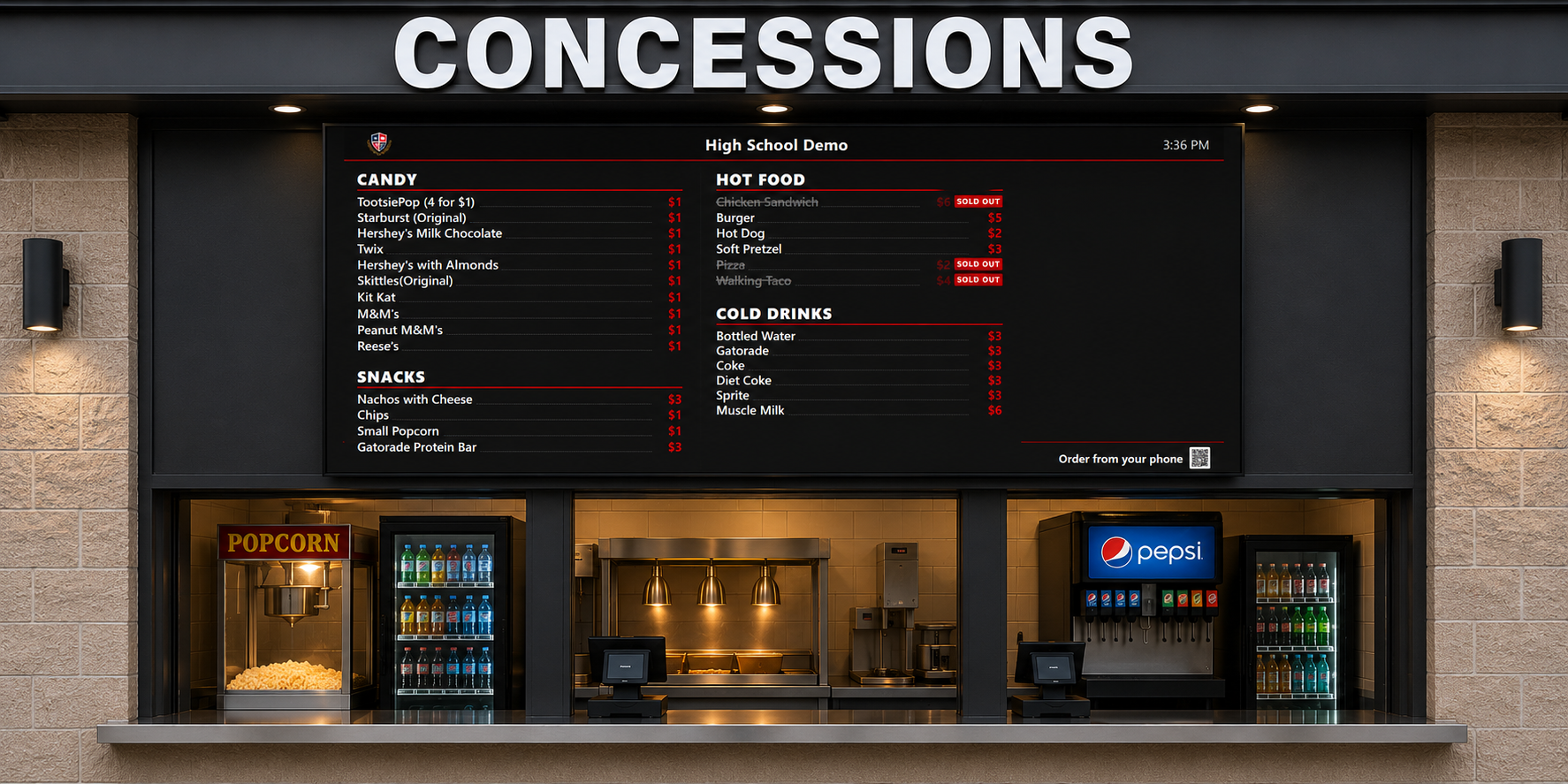
Your menu lives in one single location, the BlazeBite Business Portal, and your display boards reflect it in real time. Change a price, add a special, or pull a sold-out item: it shows up on every screen immediately. No reprinting, no dry-erase markers, and no sticky notes that fall off mid-game.
The Problem It Solves
Static menus have one fatal flaw: they go stale.
You run out of hot dogs at halftime, and now every customer who walks up orders the exact item you don't have. That leads to disappointed fans, a slowed-down line, and a volunteer explaining the same situation over and over for the rest of the night. BlazeBite's live inventory tracking fixes this.
When you run out of an item, you have two options:
- Automatically mark it as "Sold Out" on the board.
- Remove it from the menu display entirely.
No more customers ordering items you can't deliver.
How It Works
- Centralized Sync: Your digital menu screens pull directly from the BlazeBite portal. Everything you manage, items, prices, availability, and descriptions, is what fans see on the boards.
- Instant Control: Updates happen instantly from your phone. Running a halftime special? Turn it on during the second quarter and turn it off when you sell out.
- Offline Reliability: Internet goes down? BlazeBite includes an offline mode, so a lost connection doesn't stop your operation. Your boards keep running smoothly.
- Sponsorship Revenue: Turn your display into a local revenue stream. Local businesses can run rotating ads on your screens, and that sponsorship revenue goes straight back to your program. It's easy to set up and manage, creating a new income source for booster clubs and school programs.
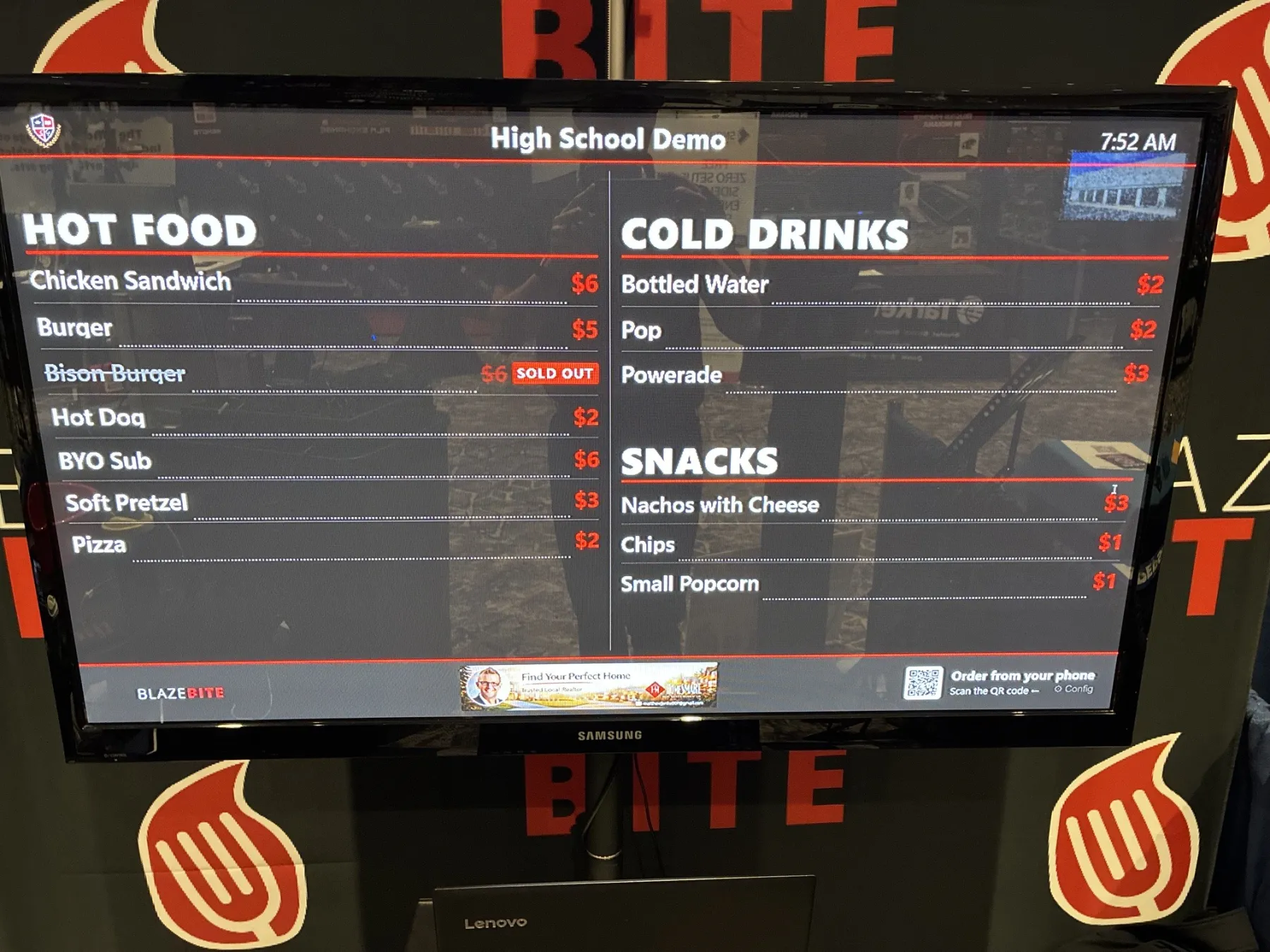
Straightforward Pricing
Turn any TV or monitor into a live digital menu board.
| Hardware Unit | Setup Requirements | Price | Best For |
|---|---|---|---|
| BlazeBite Display Unit | TV/monitor with HDMI input (remote included) | $250 (one-time) | Any concession stand, counter, or concourse screen |
Software & Setup Details
- Plug & Play: Connects with one HDMI cable and one power cable. No complicated IT setup required. If you can plug in a TV, you can set this up.
- Subscription: Software runs on your single annual BlazeBite subscription. No extra per-screen software fees.
Who It's Built For
Any venue running a full menu. If you're dealing with the hassle of reprinting paper, updating boards manually before every event, or explaining to customers that an item is sold out, this is the fix.
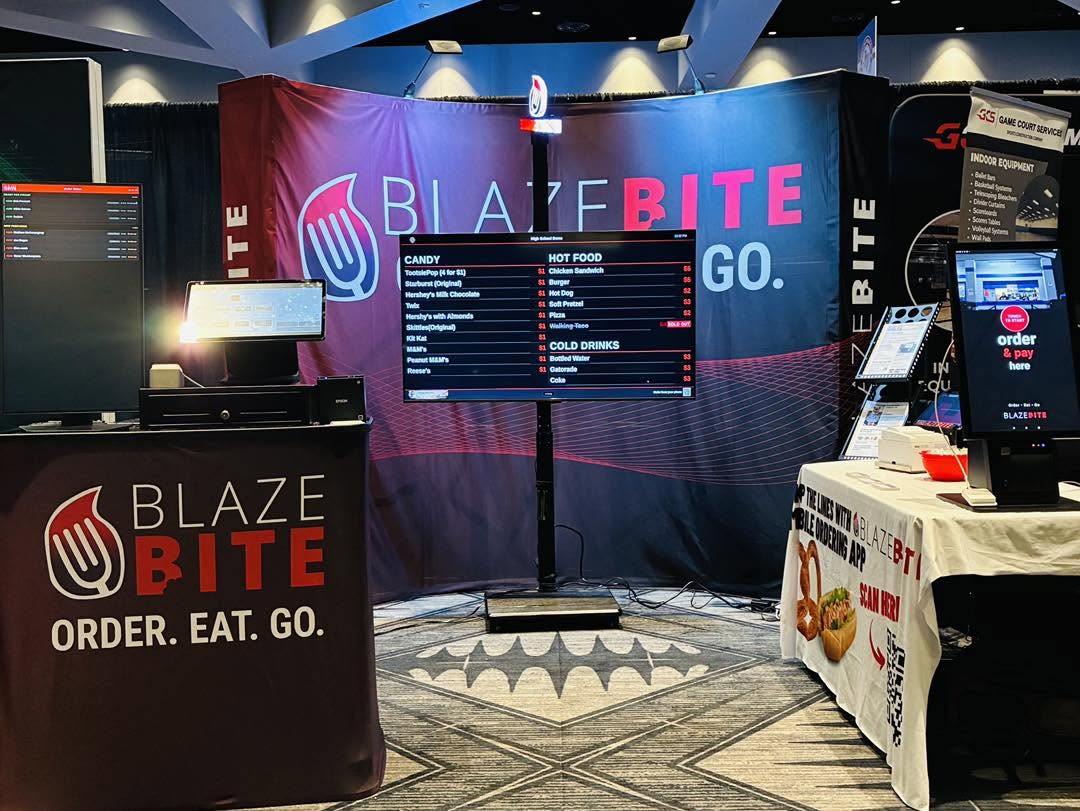
The built-in sponsorship features make it exceptionally valuable for:
- High schools and booster clubs looking for extra sponsorship revenue
- Parks, stadiums, and arenas with dynamic pricing or specials
- Existing BlazeBite venues looking for the easiest operational upgrade
Ready to Ditch Static Menu Boards?
Book a free demo to see BlazeBite Digital Menus live in action.
- Digital Menu Boards
- Tips & Tricks
- Sponsorships
- Inventory
- Concessions
See it on a call.
A thirty-minute call. We ring a sale, print a ticket, and pull the report so you can see how it works.